 App creative, ready to ship
App Store screenshot generator
Create app store screenshots that are ready to publish.
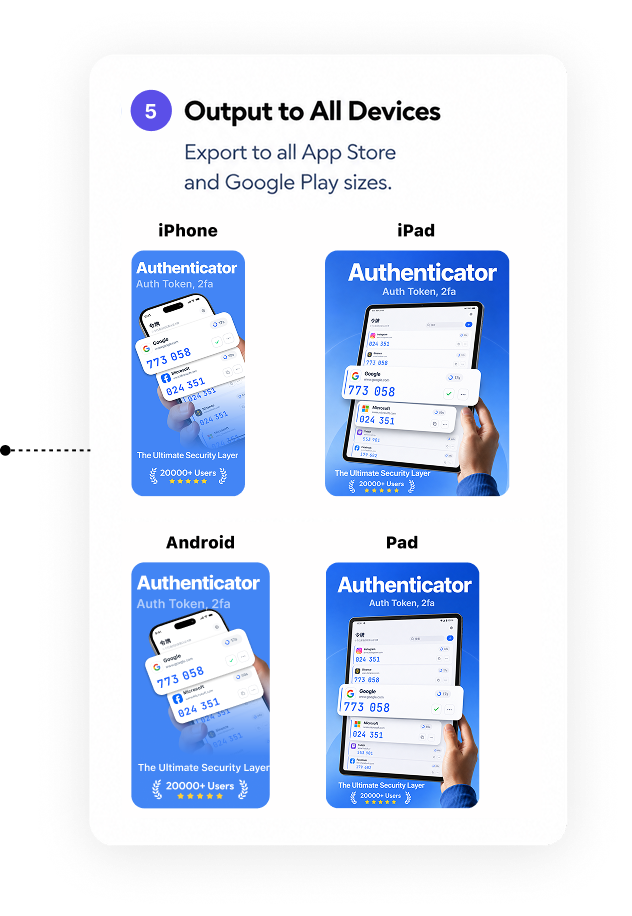
Turn real product screens into polished App Store and Google Play creative for iPhone, iPad, and Android—without rebuilding every size by hand.
- iPhone & iPad
- Android
- Multiple languages
- App Store Connect
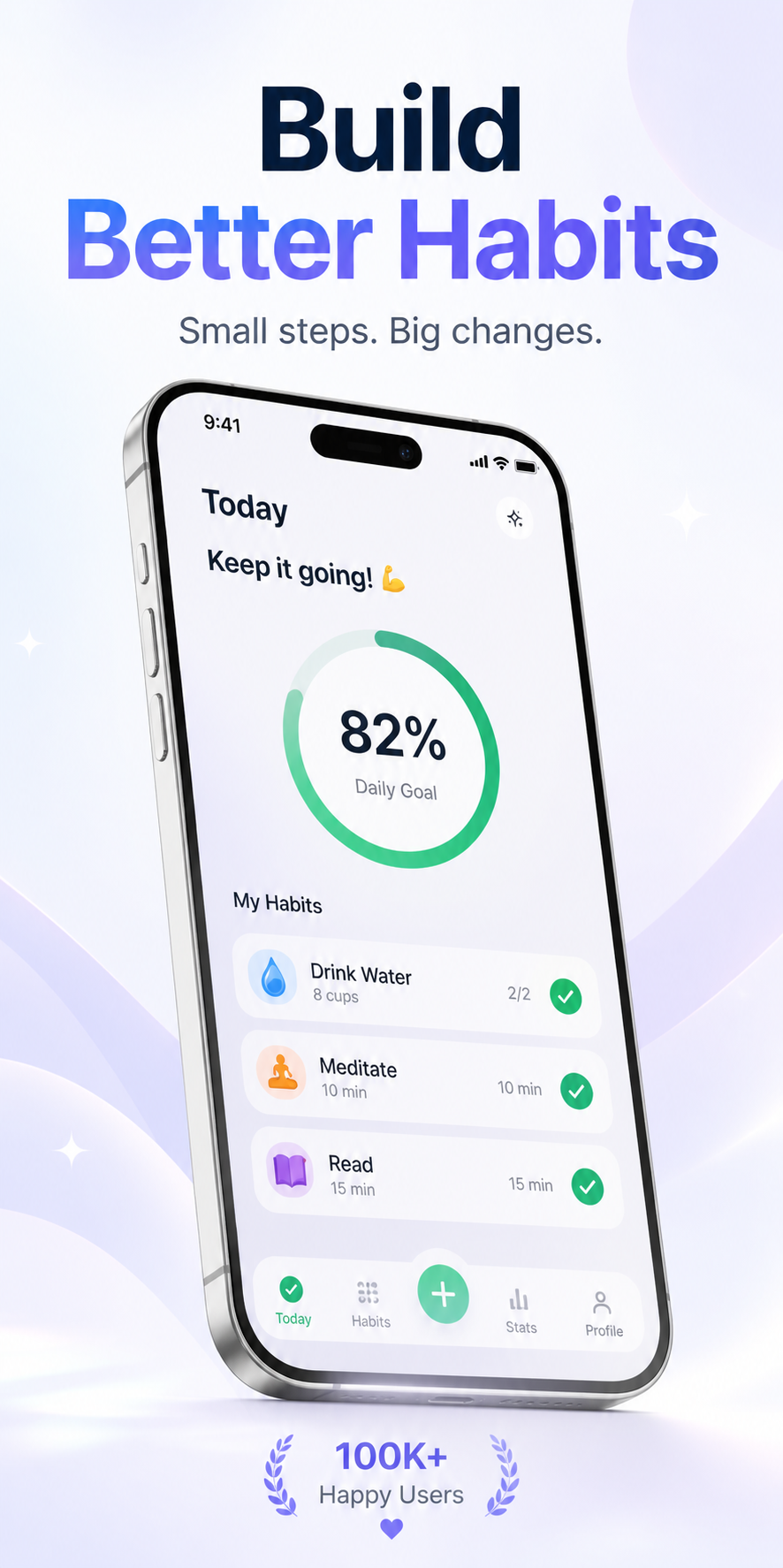
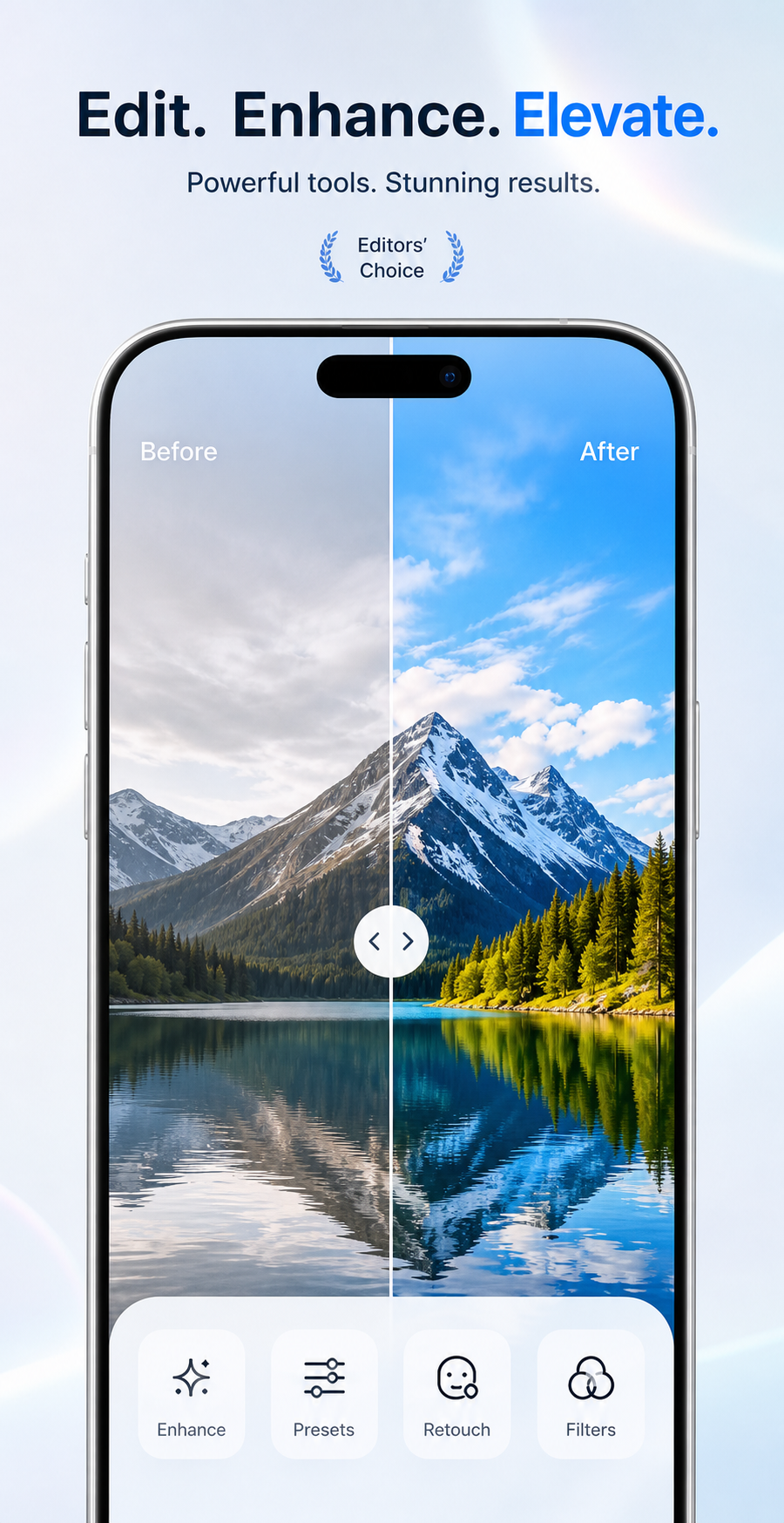
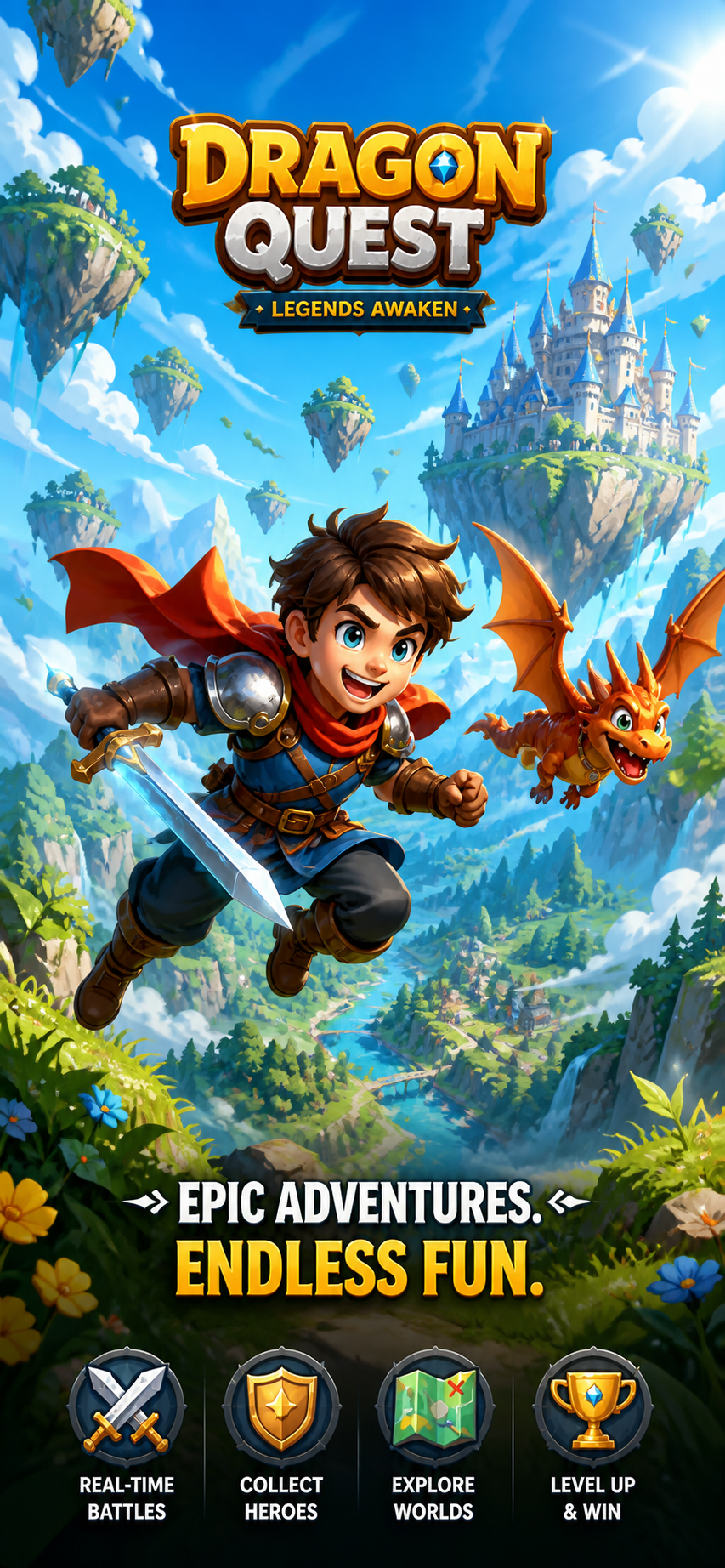
Real template output
One product story. Every store-ready size.
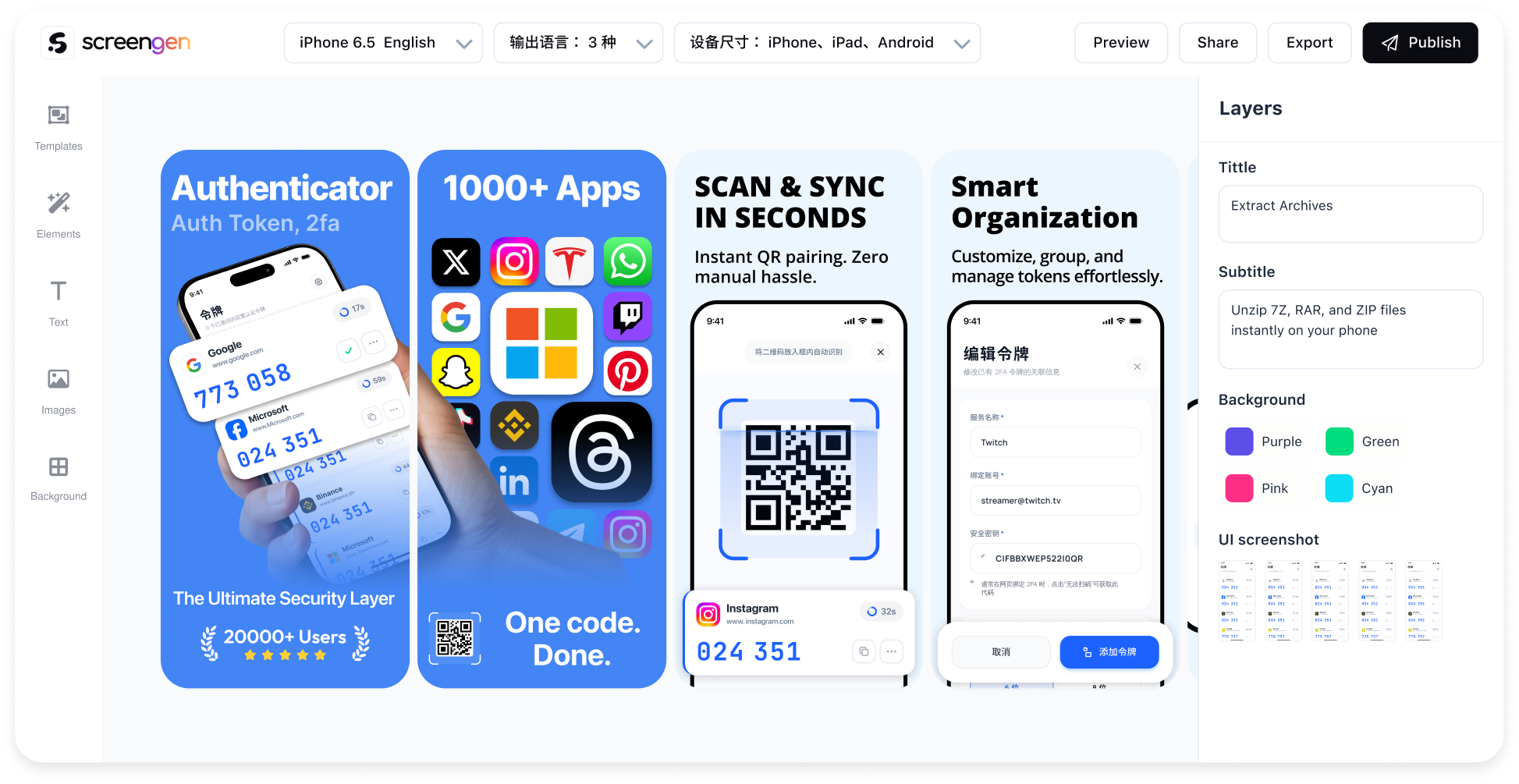
Start from a designed system, then replace the product screens, copy, colors, language, and output devices while keeping the composition editable.
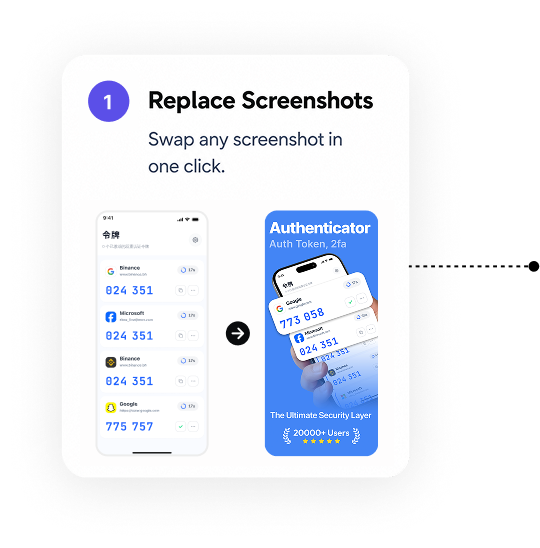
How ScreenGen works
From real app screens to a publish-ready set.
Choose a template
Start with a visual direction built for store listings—not a blank canvas.
Add your app screens
Upload clean product UI once and reuse it across projects.
Customize and localize
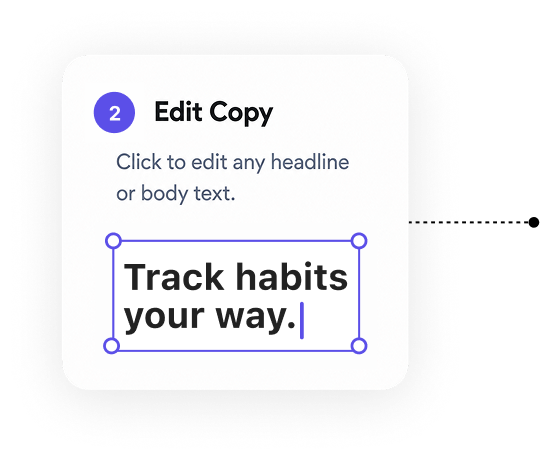
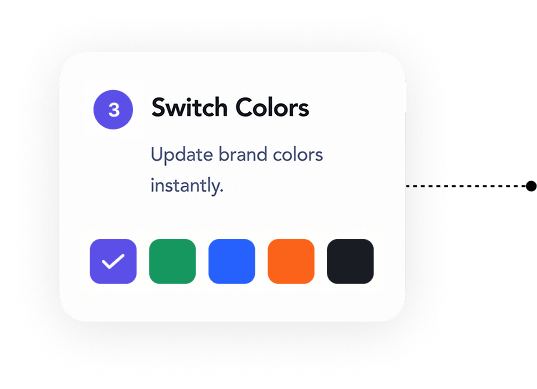
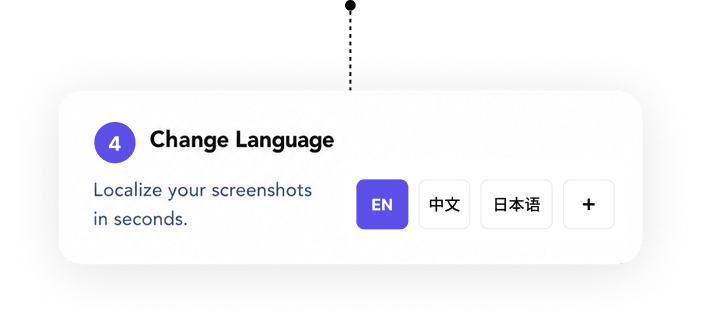
Edit copy, colors, screen order, languages, and device sizes.
Export or publish
Download the files or send prepared screenshots to App Store Connect.
More than one store format
Creative for the places your app is discovered.
App Store screenshots
Build screenshot sets for iPhone and iPad store listings.
Google Play screenshots
Prepare Android phone and tablet listing images.
Store promotional graphics
Create feature graphics, campaign artwork, and launch assets.
Social media graphics
Adapt a product story into reusable promotional creative.
Direct delivery
Publish to App Store Connect with a preflight check.
Connect an authorized App Store Connect API key, select the app and version, review replacements, then submit in the background with a complete publish history.
Direct Google Play Console publishing is not currently available. Google Play images can be exported for manual upload.Explore App Store Connect publishing →01 · Target02 · Preflight03 · Prepare04 · PublishApp Store Connect
Template library
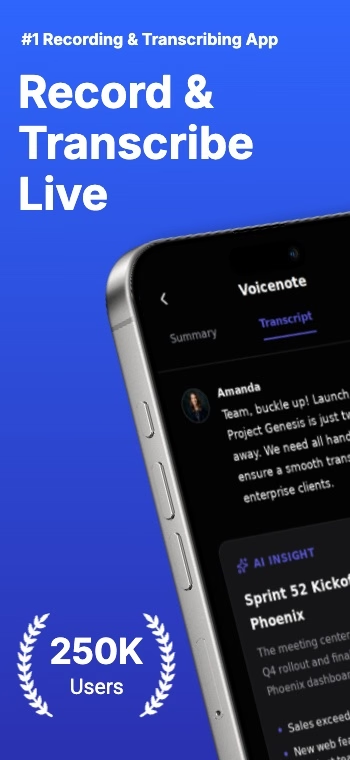
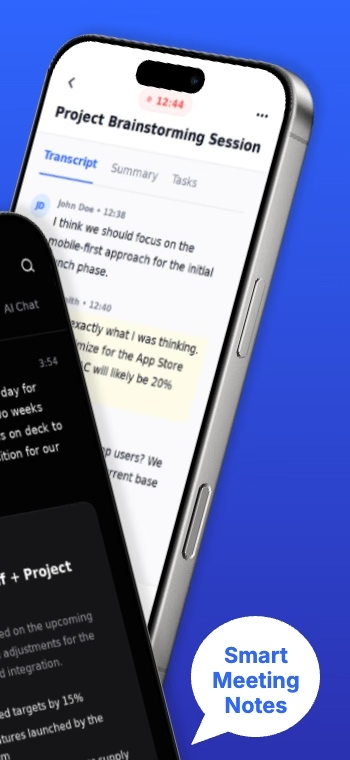
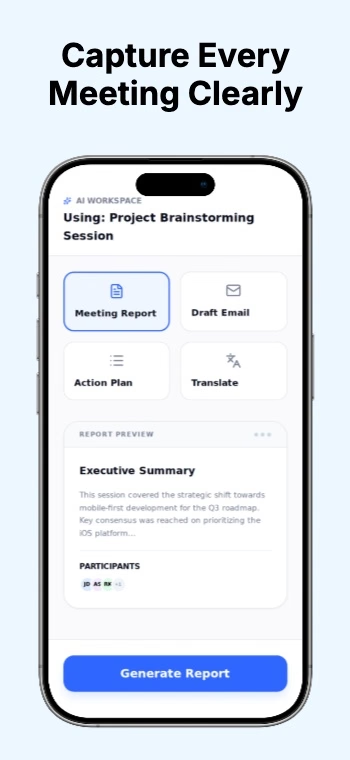
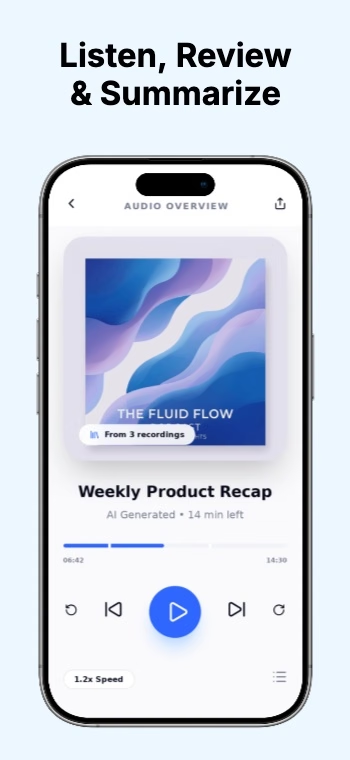
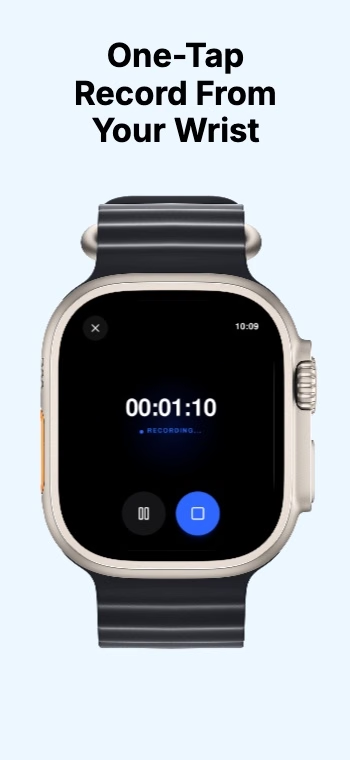
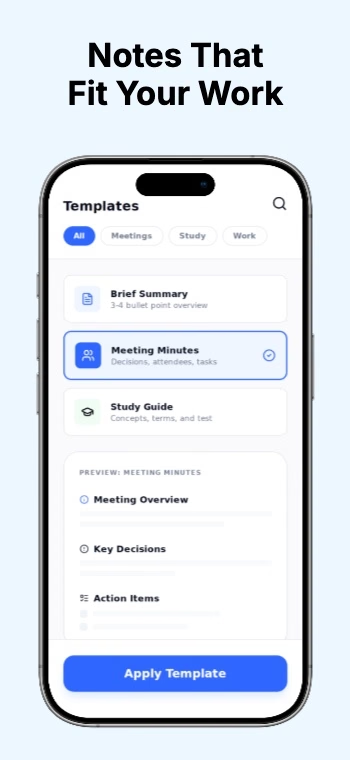
Start with a system, not an empty artboard.
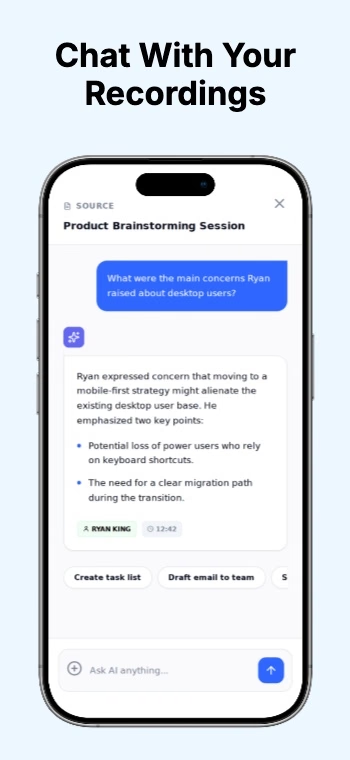
Start focused
Create one project before choosing a plan.
A free account can create one project. Upgrade details, project allowances, and publishing access are explained on the pricing page.
Questions before you start
Can I create screenshots for iPhone and Android?
Yes. ScreenGen supports iPhone, iPad, Android phone, and Android tablet output.
Can ScreenGen publish to App Store Connect?
Yes. App Store Connect publishing has been tested end to end, including preflight checks, replacement confirmation, and publish history.
Can it publish to Google Play Console?
Not yet. Google Play creative can be generated and exported, then uploaded manually.
Do I need an account?
You can browse templates first. Sign in is required when you start creating a project.
What happens after I use my free project?
Free accounts can create one project. ScreenGen shows the pricing page before another project is created.
What happens when I delete a project?
The project leaves your workspace. Files attached to a completed publish remain downloadable for a limited retention period shown in publish history.